

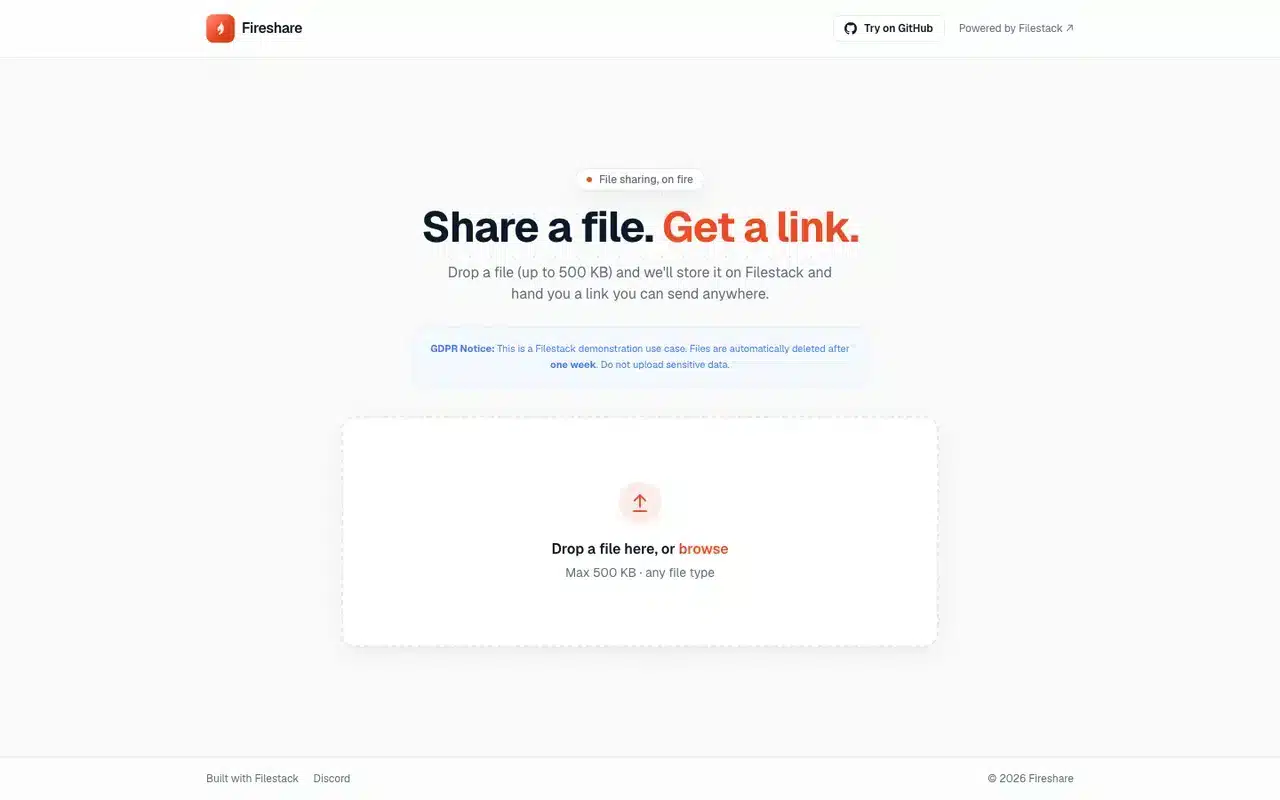
Fireshare is a fictional company. It was made up to show how Filestack works in file sharing, so the firm, its people and its figures are invented.
What Is a File Sharing App?
A file sharing app takes a file from one person and hands back a link anyone can open. With Filestack, the browser posts the file straight to storage, your API saves the returned handle under a short code, and the share page previews the file through Filestack transformations on the CDN.
A Share Page Is the Handle Plus Tasks
To preview a shared file with Filestack, write transformation tasks into the CDN URL in front of the file’s handle. Every preview comes from the one stored file, so a rotated or monochrome version is a different URL, computed on request.
Inside Fireshare, a File Sharing App Built on Filestack
Fireshare is a demo file sharing app built on Filestack and Next.js. The product is invented and every file call is real: one file is dropped, posted to Filestack, saved under a short code and shared as a link.
What a File Sharing App Needs Behind Every Link
A file sharing app needs an upload endpoint, storage, a CDN, an image renderer for previews, a table of share codes and a rate limiter. Filestack stores, serves and renders; your app keeps the codes and the limits.
Build the File Plane
Post the File to Filestack
Your app keeps the share codes and the rate limit.
Tour the Fireshare App
Drop a file on the Fireshare home page, then open the link it gives you.

Run a File Sharing App in Production
In production, a file sharing app signs each upload with a Filestack policy made on the server, gives shared links an expiry and keeps share limits on signed-in accounts as well as devices.
Ways to Share a File Compared
A file sharing app on Filestack keeps one stored copy and hands out a short link on your own domain. An email attachment travels as a copy to every inbox, and a file-sharing service keeps the file inside its own product.
A file-sharing service suits a team that wants a ready-made product under the vendor’s brand.