

Convert Files to Any Format with Filestack
Upload Image
Select the desired output format
Looking to convert additional files?
Sign up and use Filestack API to automate tasks, chain them together, and execute them with a single API call.
Free Online Image Converters
Filestack offers most file conversions for free. Sign up for free today to get started!
Frequently Asked Questions
What is file conversion?
File conversion is the process of changing a file from one format to another. This can be done to ensure compatibility with different software or devices, or to reduce file size.
Why is file conversion important?
File conversion is crucial for ensuring that files can be opened and used across various platforms and devices. It also helps in optimizing file sizes for storage and sharing.
How can I convert a file to a different format?
You can convert a file using Filestack File Conversion API, follow these steps:
- Sign Up and Get Your API Key.
- Upload the file using Filestack Upload API or File Picker tool. This will give you a Filestack handle for the file.
- Add the desired conversion task to the file URL.
Is Filestack file conversion API is secure?
Yes. Enabling security on your account will require a valid policy and signature for all processing requests.
https://cdn.filestackcontent.com/security=p:POLICY,s:SIGNATURE/Conversion task/HANDLE
Can I convert multiple files at once?
Absolutely! You can programmatically iterate through each upload, applying the conversion task to every file in a streamlined manner.
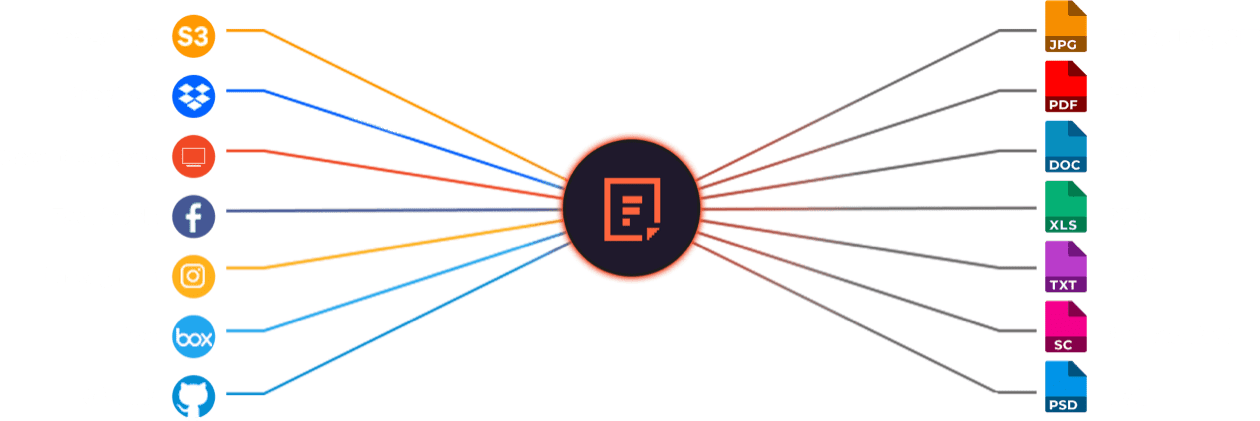
Supported Cloud Storage Providers
Use Filestack Upload to access images from virtually any source. Then use Filestack Transform to perfect them for your application.
Advanced Document Conversions
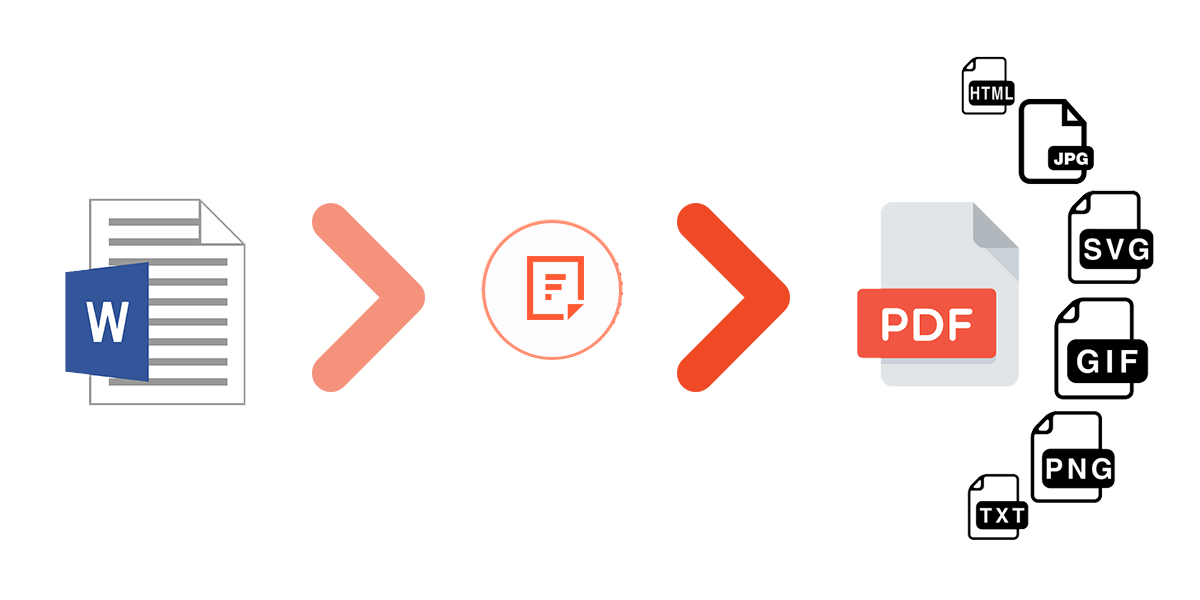
A reliable document conversion solution that can preserve format, images, fonts, special characters, page breaks, and more.
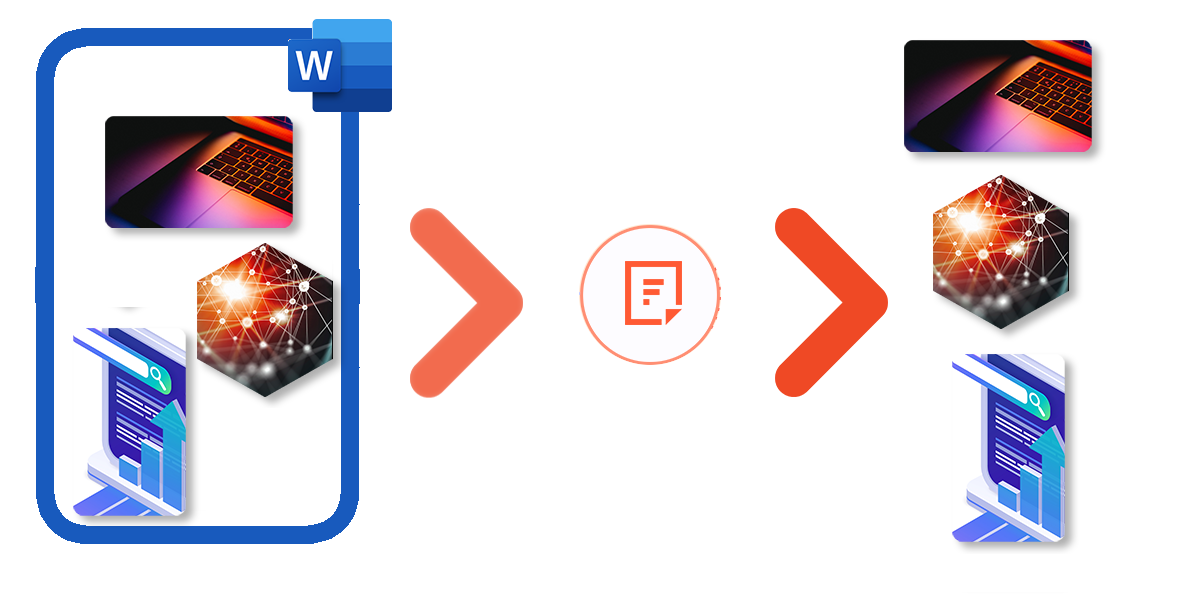
Convert Documents to Images
Easily convert your document to images in just a single API call. You can choose to convert the entire document, or a specific range of pages.
With Filestack’s powerful API you can:
✓ Convert specific page ranges.
✓ Control output density.
✓ Ignore hidden slides from a pptx file.
✓ Change output images format on the go.
Auto Image Conversion
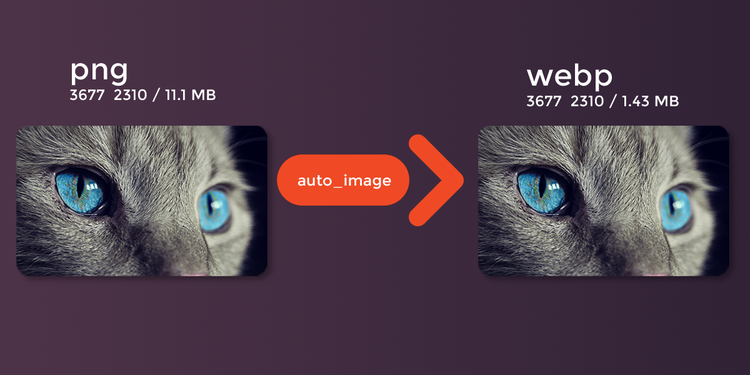
Automatically convert JPEG and PNG images to the next generation format WebP or JPEG XR which both have better compression and quality characteristics.
Convert A Group Of Images To GIF
Convert a group of images to GIF format and enjoy moving picture.
With Filestack’s powerful API you can:
✓ Define a delay between frames (in milliseconds)
✓ Define how many times images should be displayed
✓ Define output animation width and height
✓ Set GIF background
✓ Set the fit type, clip, scale or crop
✓ Set image alignment

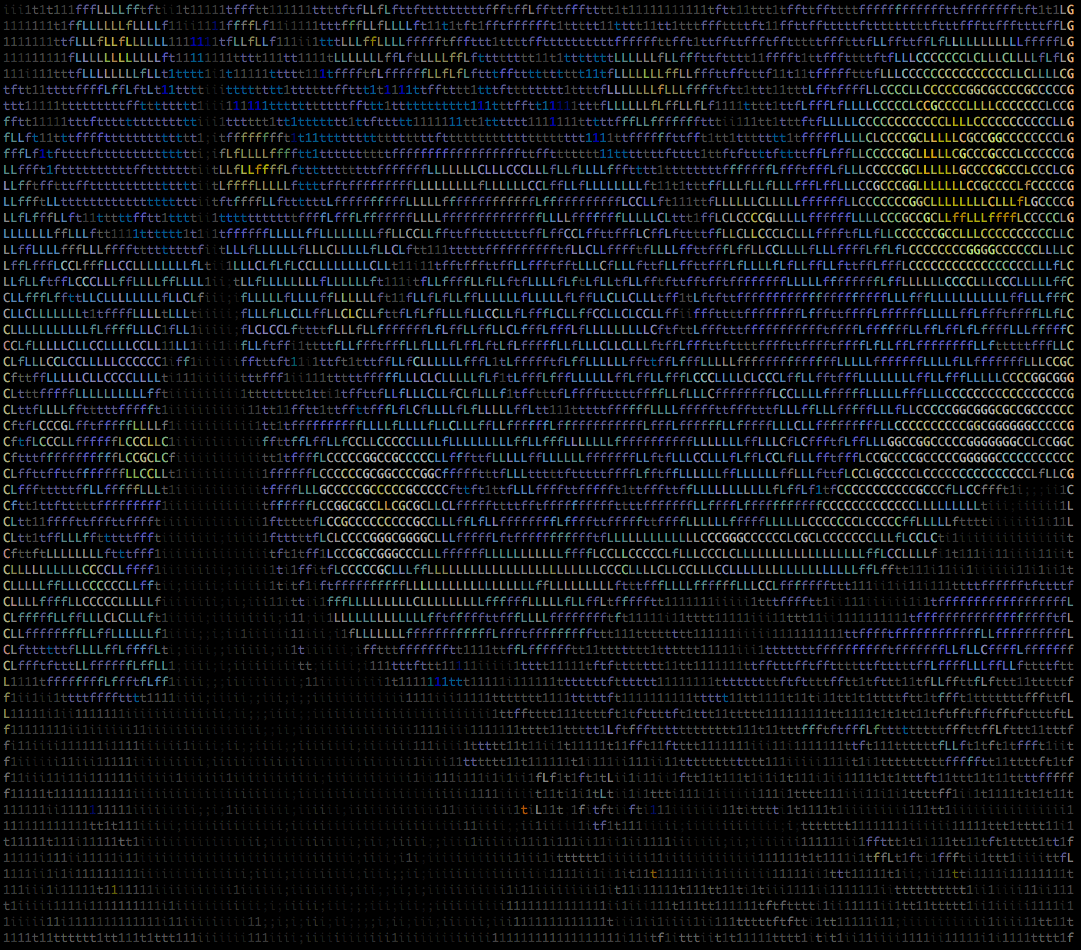
Convert Image to ASCII Art
Convert JPG, PNG, AI, PSD, TIFF, and BMP images into an HTML file of lovely ASCII art by simply sending a request to Filestack’s transformation endpoint along with your API key and ascii task.
With Filestack’s powerful API you can:
✓ Specify the size of the returned file as a percentage of the original.
✓ Reverse the character set used to generate the ASCII output. Works well with dark backgrounds.
✓ Specify a background color for the HTML file from our list of accepted color names or a hex color code.
✓ Specify a foreground color for the HTML file from our list of accepted color names or a hex color code.
ZIP Your Files
With Filestack you can easily compress one or several files. This helps you to save up to 80 percent or more of storage space as well as encrypt private data.
Simply send a request to our transformation endpoint along with your API key and zip task and pass in a solitary Filestack handle, a single external url, a Filestack storage alias, or an array of handles and urls to be zipped.







Your go-to for free file conversions. Get started in seconds.
WAY MORE THAN A FILE UPLOADER WIDGET: A RELIABLE FILE PROCESSING SYSTEM.
What Filestack Can Provide For You

GROUP IMAGES INTO A COLLAGE
A photo collage allows you to convey a compelling story without jeopardizing viewer interest. Photo collages are a great way to boost social engagement and interest in your business.

URL SCREENSHOT
Filestack acts as a browser client that renders the contents of a web page and then captures that page content as an image. This powerful feature allows you to easily incorporate screen captures of other websites into your own web pages.

PDF FILE PROCESSING
Use Filestack to automatically merge files to create a separate PDF file, convert your PDF to a new specific orientation or page format, convert it to a black and white version, or display information about that PDF document.

DOCUMENT DETECTION
Filestack’s Document Detection feature is a comprehensive tool that allows you to easily detect documents in your photos and automatically process them to accurately extract text from each document for later use in your application.

VIRUS SCAN & MALWARE DETECTION
Scan every file upon upload for viruses and malicious programs no matter what their file type. Filestack’s virus detection capabilities support scanning every file from images and video files to PDF documents for a secure document upload every time.

GENERATE A QR CODE
Easily generate a QR code that will speedily direct traffic to your destination URL with the help of Filestack.
Let’s Get Started.
Talk to us about how simple it can be to instantly and automatically transform any file or image.
Just One Integration, One Time…
Filestack connects you with a multitude of services with one simple integration. You never have to worry about updating API integrations again. Uploading Files is our raison d’etre. We update for other API changes, and will never depreciate our API or force unwarranted changes on you.
Libraries & SDKs
Choose from our SDKs to get started: Javascript, Ruby, PHP, Python, Swift, Android
No maintenance required
Once you integrate, you’re done. Never worry about changing APIs disrupting your file workflow again.
Dev-to-dev support
Your files are always our #1 concern. We are always here to help you get up and running and assure the best performance.
import * as filestack from 'filestack-js';
const client = filestack.init('YOUR API KEY');
client.upload(fileObject).then(data =>console.log(data.url));
gem 'filestack'
client = FilestackClient.new('YOUR_API_KEY', security: security_object)
filelink = client.upload(filepath: '/path/to/file')$ composer require --prefer-dist filestack/filestack-php
use Filestack\FilestackClient;
$client = new FilestackClient('YOUR_API_KEY');
$filelink = $client-upload('/path/to/file');$ pip install filestack-python
from filestack import Client client = Client("")
params = {'mimetype': 'image/png'}
new_filelink = client.upload(filepath="path/to/file", params=params)
print(new_filelink.url)
“Being smart here, in my opinion, is seriously looking at Filestack to give you a fantastic uploading experience, while you spend your time on your product vision, not already-solved problems.”
— CHRIS COYIER, FOUNDER OF CSS-TRICKS & CODEPEN