

Free WEBP to PNG Online Converter
Quickly convert WEBP images to PNG with Filestack’s free online converter, intuitive SDKs, or powerful image processing API.
How to convert WEBP to PNG
Use the WEBP to PNG converter in just 2 simple steps, or get an API key and programmatically convert thousands of images!

Add your WEBP image
Select or drag and drop your WEBP image into the File Picker. Then, click the “Upload” button.

Share your PNG image
Once the conversion is complete, share the CDN link or download your converted PNG image
Supported Cloud Storage Providers
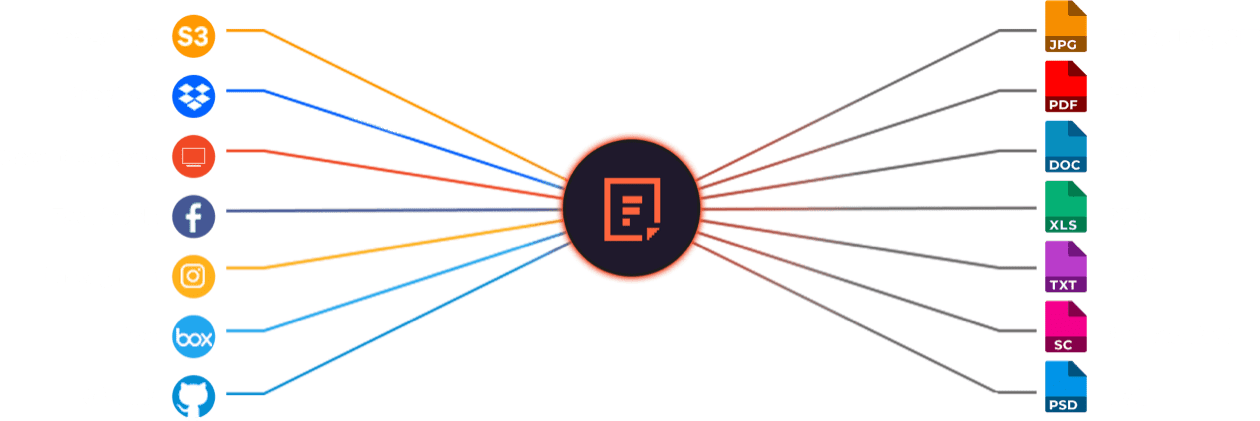
Use Filestack Upload to access images from virtually any source. Then use Filestack Transform to perfect them for your application.






Free Online Image Converters
Filestack offers most file conversions for free. Sign up for free today to get started!
Explore Beyond WEBP to PNG Conversion

GROUP IMAGES INTO A COLLAGE

URL SCREENSHOT

PDF FILE PROCESSING

DOCUMENT DETECTION

VIRUS SCAN & MALWARE DETECTION

GENERATE A QR CODE
Let’s Get Started.
Just One Integration, One Time…
import * as filestack from 'filestack-js';
const client = filestack.init('YOUR API KEY');
client.upload(fileObject).then(data =>console.log(data.url));
gem 'filestack'
client = FilestackClient.new('YOUR_API_KEY', security: security_object)
filelink = client.upload(filepath: '/path/to/file')$ composer require --prefer-dist filestack/filestack-php
use Filestack\\\\FilestackClient;
$client = new FilestackClient('YOUR_API_KEY');
$filelink = $client-upload('/path/to/file');$ pip install filestack-python
from filestack import Client client = Client("")
params = {'mimetype': 'image/png'}
new_filelink = client.upload(filepath="path/to/file", params=params)
print(new_filelink.url)
Frequently Asked Questions
What are the advantages of converting WEBP to PNG?
The advantages of converting WEBP to PNG include lossless quality, wider software compatibility, and reliable transparency support. PNG preserves every pixel without compression artifacts, which helps with editing, design work, and archival storage. Converting WEBP to PNG ensures consistent rendering across older browsers and legacy applications.
Is the WEBP to PNG converter secure for handling files?
The Filestack WEBP to PNG converter is secure for handling files because it uses HTTPS encryption, signed URLs, and isolated processing environments. Filestack protects uploads with configurable security policies and optional virus detection. The system processes images server-side, which keeps files safe during conversion and delivery.
What are the advantages of using Filestack image processing API to convert WEBP to PNG?
The advantages of using the Filestack Image Processing API to convert WEBP to PNG include fast server-side conversion, lossless output quality, and secure file handling. Filestack automates transformations through URL-based tasks, supports large batches, and delivers PNG files through a global CDN for reliable performance.
How do I convert WEBP to PNG in React?
Convert WEBP to PNG in React using Filestack React SDK by initializing the Filestack client, uploading the WEBP file, and applying the output=format:png transformation through a Processing API URL. Filestack returns a PNG file that you can display, download, or store directly in your React application.