

Free JPG to PNG Online Converter
Transform your JPG images into PNG format quickly and effortlessly with our free online converter. Upload a JPG image using our File Picker to convert them to PNG in seconds.
How to convert JPG to PNG
Use the JPG to PNG converter in just 2 simple steps, or get an API key and programmatically convert thousands of images!

Add your JPG image
Select or drag and drop your JPG image into the File Picker. Then, click the “Upload” button.

Share your PNG image
Once the conversion is complete, share the CDN link or download your converted PNG image
- Maintain Quality: Preserve image clarity and details during conversion.
- Increase Productivity: Fast and reliable conversions save valuable time.
- Easy Collaboration: Share compatible PNG files effortlessly across teams.
- User-Friendly: Simple, intuitive process with no technical expertise required.






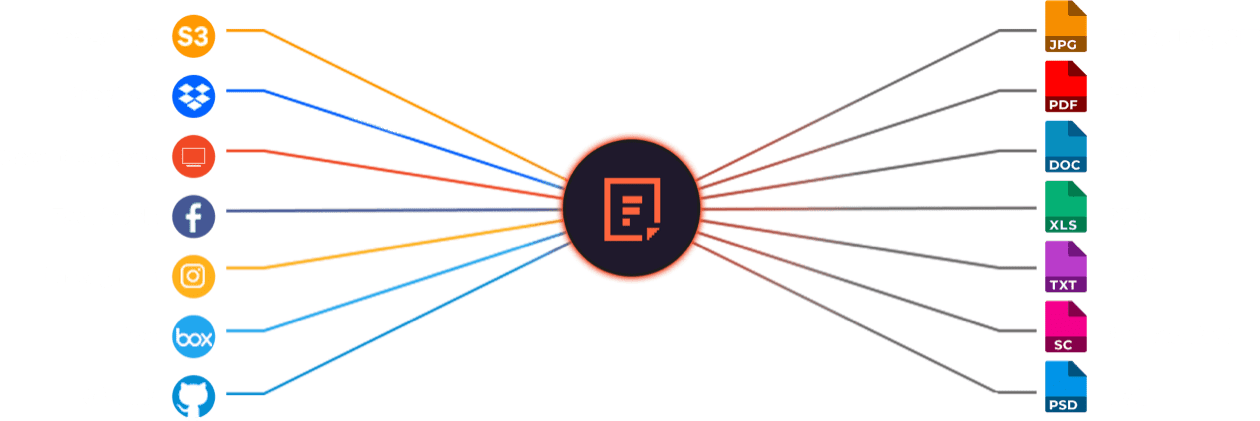
Supported Cloud Storage Providers
Explore Beyond JPG to PNG Conversion

GROUP IMAGES INTO A COLLAGE

URL SCREENSHOT

PDF FILE PROCESSING

DOCUMENT DETECTION

VIRUS SCAN & MALWARE DETECTION

GENERATE A QR CODE
Let’s Get Started.
Just One Integration, One Time…
import * as filestack from 'filestack-js';
const client = filestack.init('YOUR API KEY');
client.upload(fileObject).then(data =>console.log(data.url));
gem 'filestack'
client = FilestackClient.new('YOUR_API_KEY', security: security_object)
filelink = client.upload(filepath: '/path/to/file')$ composer require --prefer-dist filestack/filestack-php
use Filestack\\FilestackClient;
$client = new FilestackClient('YOUR_API_KEY');
$filelink = $client-upload('/path/to/file');$ pip install filestack-python
from filestack import Client client = Client("")
params = {'mimetype': 'image/png'}
new_filelink = client.upload(filepath="path/to/file", params=params)
print(new_filelink.url)
Frequently Asked Questions
What are the advantages of converting JPG to PNG?
The advantages of converting JPG to PNG include higher image quality, lossless compression, and support for transparent backgrounds. PNG preserves original detail without compression artifacts, making it ideal for editing, web graphics, and design assets requiring clarity and transparency.
How to convert JPG files to PNG using Filestack Processing API?
Convert JPG files to PNG using the Filestack Processing API by inserting output=format:png in your file’s Filestack URL. For example:
https://cdn.filestackcontent.com/security=p:POLICY,s:SIGNATURE/output=format:png,quality:90/HANDLE
The API processes the JPG and instantly returns a high-quality PNG version through the CDN.
When should I use Filestack Processing API to convert JPGs to PNGs?
You should consider using the Filestack Processing API to convert JPGs to PNGs when you need to programmatically convert your web JPG images to PNG. It’s ideal for web apps that require automated format conversion, preserving detail without artifacts caused by JPG compression.
What is a JPG to PNG free online Converter?
A JPG to PNG Filestack free online converter is a web tool that uses Filestack’s Processing API to change JPG images into PNG format. It performs instant, lossless conversion through a browser without software installation, producing high-quality images suitable for web or design use.