

Free AI to JPG Online Converter
Select your AI file, and our converter will handle the rest, providing you with a JPG file. A CDN link will be created which will allow users to access the content from various locations around the world.
How to convert AI to JPG
Use the AI to JPG converter in just 2 simple steps, or get an API key and programmatically convert thousands of files!

Add your AI file

Share your JPG image
Free Online Image Converters
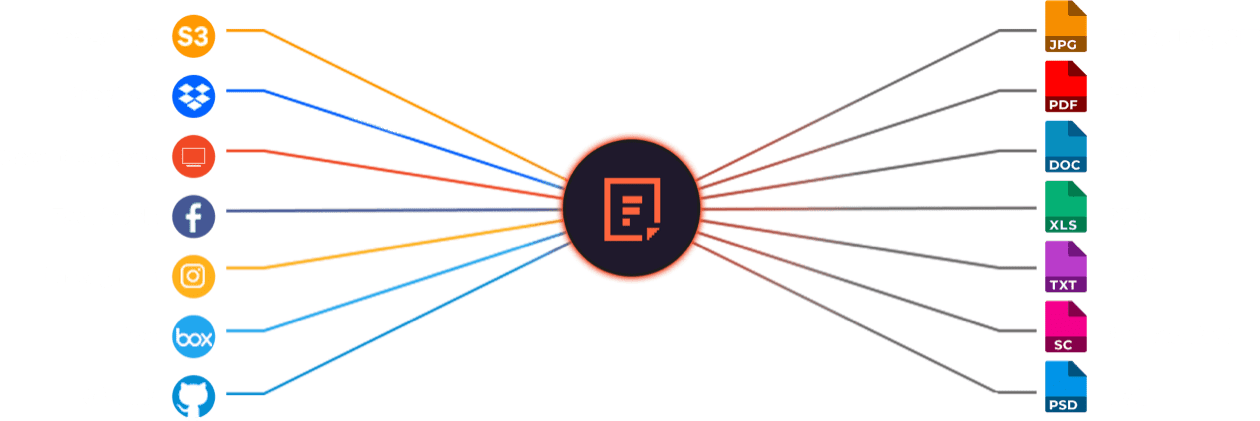
Supported Cloud Storage Providers






Explore Beyond AI to JPG Conversion

GROUP IMAGES INTO A COLLAGE

URL SCREENSHOT
PDF FILE PROCESSING

DOCUMENT DETECTION

VIRUS SCAN & MALWARE DETECTION

GENERATE A QR CODE
Let’s Get Started.
Just One Integration, One Time…
import * as filestack from 'filestack-js';
const client = filestack.init('YOUR API KEY');
client.upload(fileObject).then(data =>console.log(data.url));
gem 'filestack'
client = FilestackClient.new('YOUR_API_KEY', security: security_object)
filelink = client.upload(filepath: '/path/to/file')$ composer require --prefer-dist filestack/filestack-php
use Filestack\\FilestackClient;
$client = new FilestackClient('YOUR_API_KEY');
$filelink = $client-upload('/path/to/file');$ pip install filestack-python
from filestack import Client client = Client("")
params = {'mimetype': 'image/png'}
new_filelink = client.upload(filepath="path/to/file", params=params)
print(new_filelink.url)
Frequently Asked Questions
What is Adobe Illustrator (.ai) file?
An Adobe Illustrator (.ai) file is a vector graphics format developed by Adobe Systems for creating scalable illustrations. AI files store paths, shapes, and text using mathematical equations, allowing infinite resizing without quality loss. Designers use them for logos, icons, and print-ready artwork.
What is the benefits of converting AI to JPG
The benefits of converting AI to JPG include easier sharing, faster loading, and broader compatibility. JPG files compress vector artwork into a lightweight raster format viewable on all devices. This conversion simplifies web publishing, email use, and social media sharing without requiring Adobe Illustrator.
How easy is it to convert an AI file to a JPG using the Filestack Processing API?
Converting an AI file to a JPG using the Filestack Processing API is simple and fast. Upload the AI file, then append output=format:jpg to its Filestack URL. The API instantly converts the vector file to a high-quality JPG image optimized for web and mobile display.
https://cdn.filestackcontent.com/security=p:POLICY,s:SIGNATURE/output=format:jpg,quality:70/HANDLE
Utilizing the Filestack Processing API automates the conversion process.
How can I programmatically convert AI to JPG in a React application?
Programmatically convert AI to JPG in a React application by using Filestack’s React SDK. Upload the AI file, then run client.transform(fileHandle, { output: { format: 'jpg' } }). This method converts the AI vector file to a high-quality JPG and returns a CDN URL for direct use.