

Free TIFF to WEBP Online Converter
Easily convert TIFF images to WEBP format with our free online converter, perfectly optimized for your upload needs. Get instant delivery with a ready-to-use CDN link generated immediately after conversion.
How to convert TIFF to WEBP
Use the TIFF to WEBP converter in just 2 simple steps, or get an API key and programmatically convert thousands of images!

Add your TIFF image
Select or drag and drop your TIFF image into the File Picker. Then, click the “Upload” button.

Share your WEBP image
Once the conversion is complete, share the CDN link or download your converted WEBP image
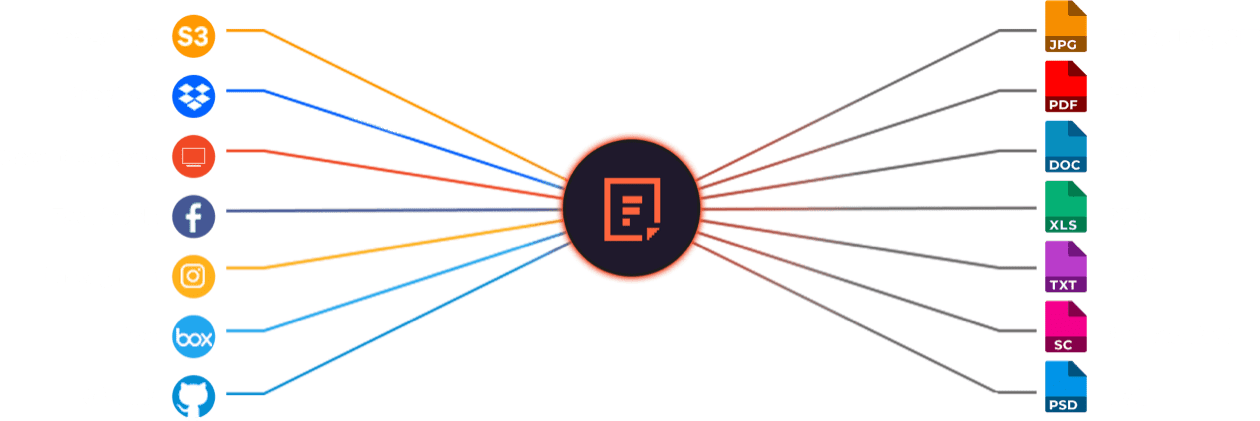
Supported Cloud Storage Providers






Explore Beyond TIFF to WEBP Conversion

GROUP IMAGES INTO A COLLAGE

URL SCREENSHOT

PDF FILE PROCESSING

DOCUMENT DETECTION

VIRUS SCAN & MALWARE DETECTION

GENERATE A QR CODE
Let’s Get Started.
Just One Integration, One Time…
import * as filestack from 'filestack-js';
const client = filestack.init('YOUR API KEY');
client.upload(fileObject).then(data =>console.log(data.url));
gem 'filestack'
client = FilestackClient.new('YOUR_API_KEY', security: security_object)
filelink = client.upload(filepath: '/path/to/file')$ composer require --prefer-dist filestack/filestack-php
use Filestack\\FilestackClient;
$client = new FilestackClient('YOUR_API_KEY');
$filelink = $client-upload('/path/to/file');$ pip install filestack-python
from filestack import Client client = Client("")
params = {'mimetype': 'image/png'}
new_filelink = client.upload(filepath="path/to/file", params=params)
print(new_filelink.url)
Frequently Asked Questions
What is TIFF?
TIFF is a high-quality image format that stores detailed raster graphics with minimal compression. TIFF supports multiple layers, color profiles, and large file sizes, making it a preferred format for printing, archiving, and professional photography.
What is WEBP?
WEBP is an image format that compresses images with either lossy or lossless methods to reduce file size while preserving quality. WEBP supports transparency and animation, making it a modern replacement for JPEG, PNG, and GIF in web performance optimization.
What are the benefits of using WEBP over TIFF?
The main benefits of using WEBP over TIFF include smaller file sizes, faster loading times, and better web performance. WEBP compresses images efficiently while preserving quality, supports transparency and animation, and reduces bandwidth, while TIFF remains large and better suited for print and archival use.
How can I convert TIFF to WEBP using Filestack image transformation API?
Convert TIFF to WEBP using the Filestack Image Transformation API by passing the TIFF file or URL into Filestack’s processing endpoint and adding /output=format:webp to the transformation path. Filestack handles the conversion on its servers and returns an optimized WEBP file ready for display or download.
https://cdn.filestackcontent.com/output=format:webp/handle
How can I change the color space profile of the generated WEBP when converted from TIFF?
Change the color space profile of a generated WEBP when converting from TIFF by adding Filestack’s /colorspace={profile} parameter before /output=format:webp in the processing URL. Filestack applies the new color profile on its servers and returns a WEBP file rendered in the selected colorspace.
https://cdn.filestackcontent.com/output=format:webp,colorspace:cmyk/handle